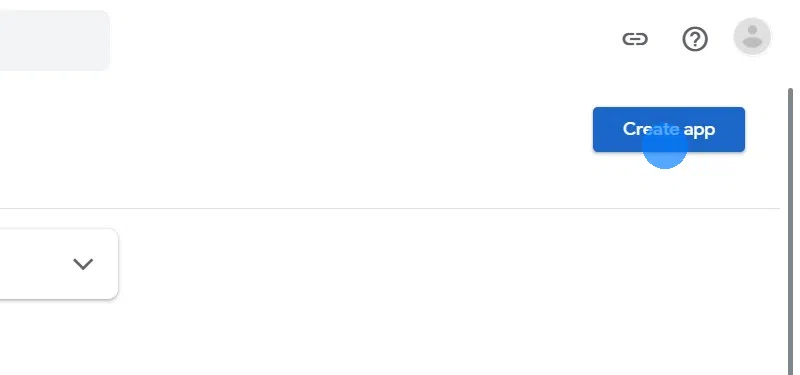
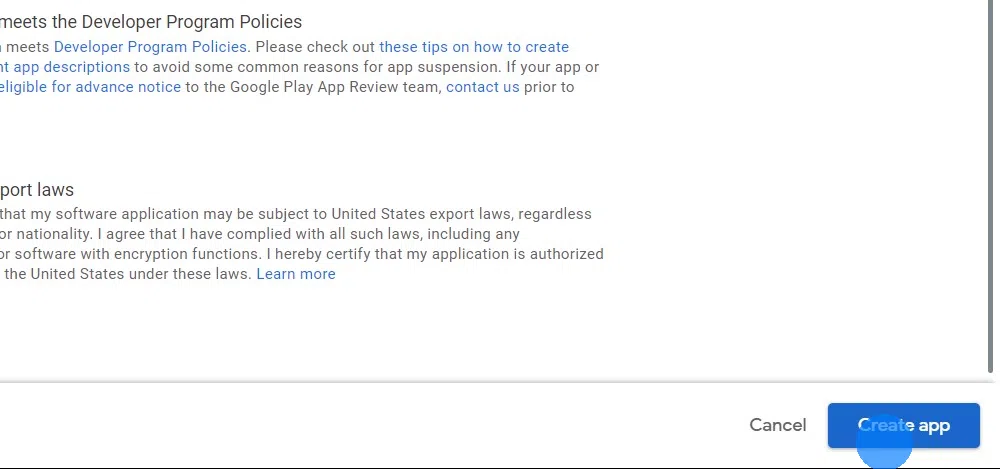
Click "Create app"
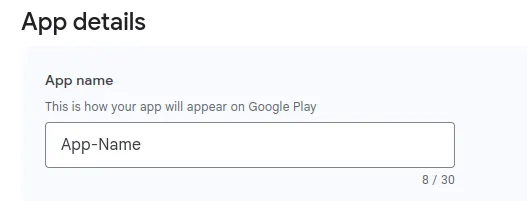
Enter the name of your app:
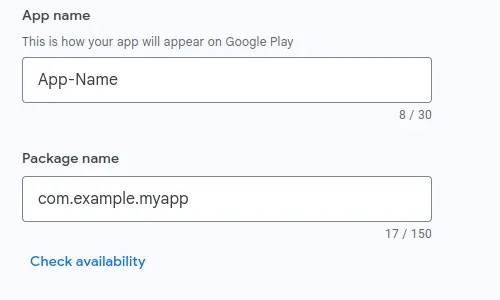
Enter the package name of your app:
Select the main language of your website as default language.
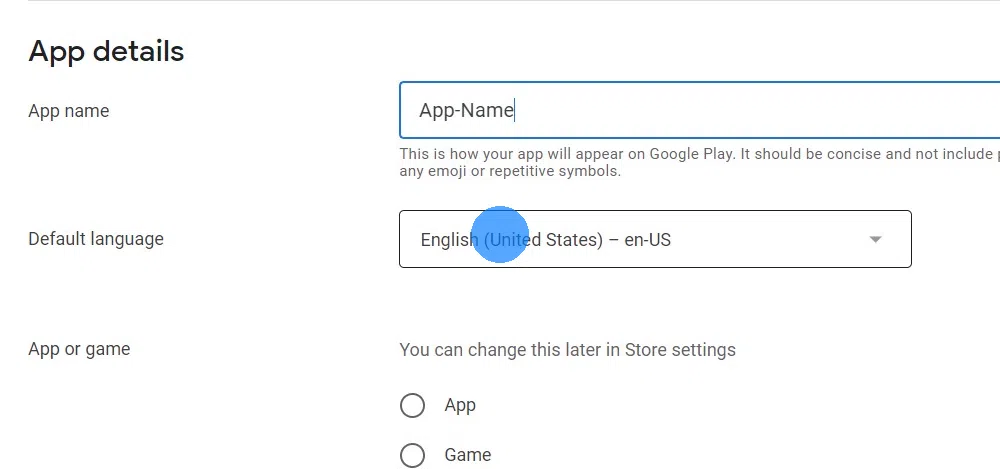
Pick "App" unless your website is a game.
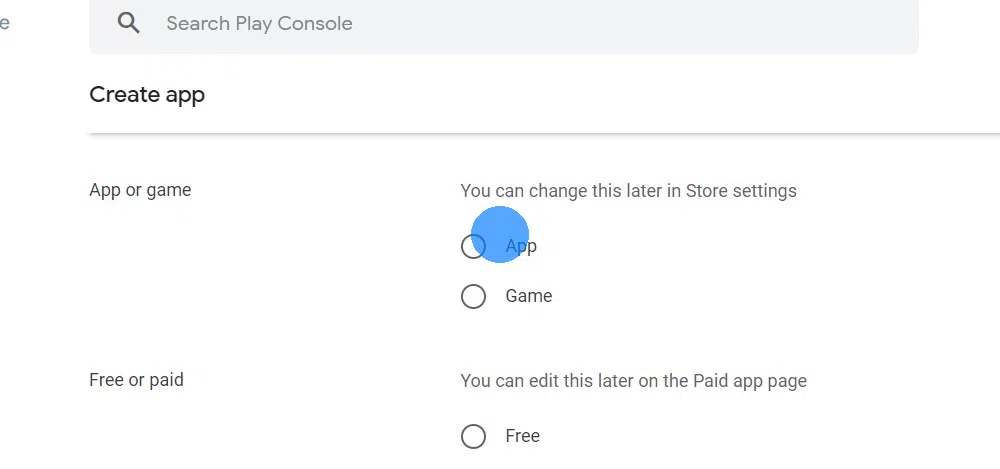
Decide whether downloading your app should be free or cost money.
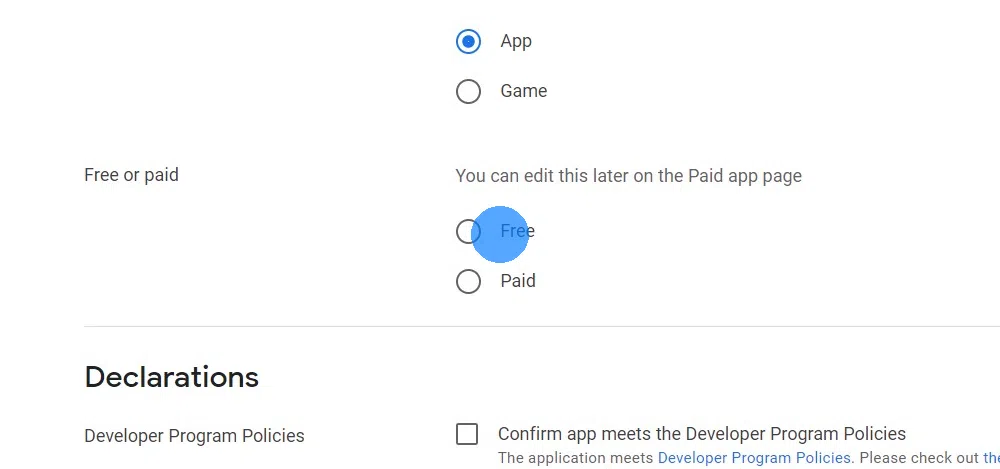
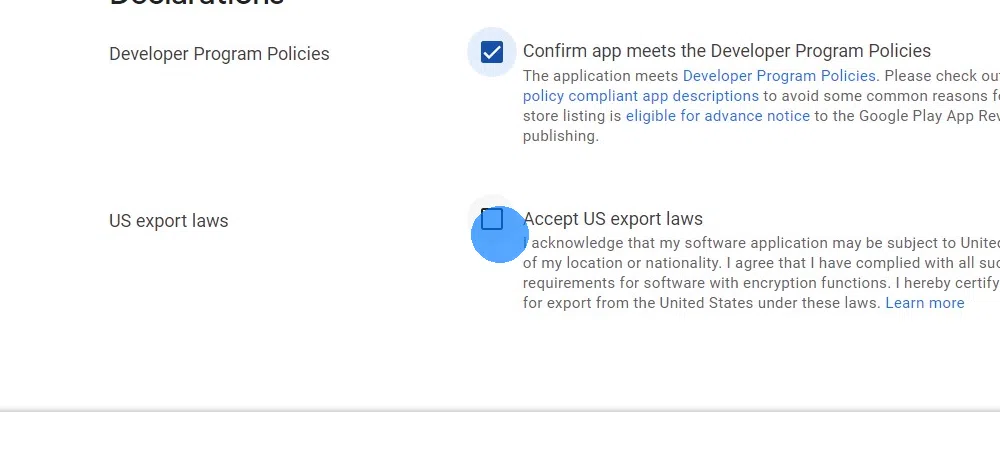
Click the checkboxes to agree to the developer program and Play App Signing policies as well as the US export laws. More information on export compliance
Click "Create app" at the bottom right.
Do you see an error message saying you need to register your package name? Follow this guide to register your package name.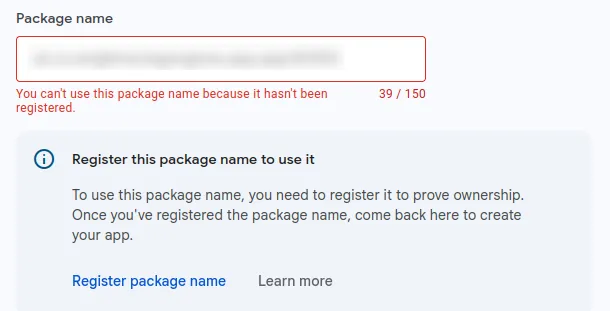
I've completed all the steps in this guideOnce you've completed all the steps in this guide, please click this button so you can continue with the next guides.