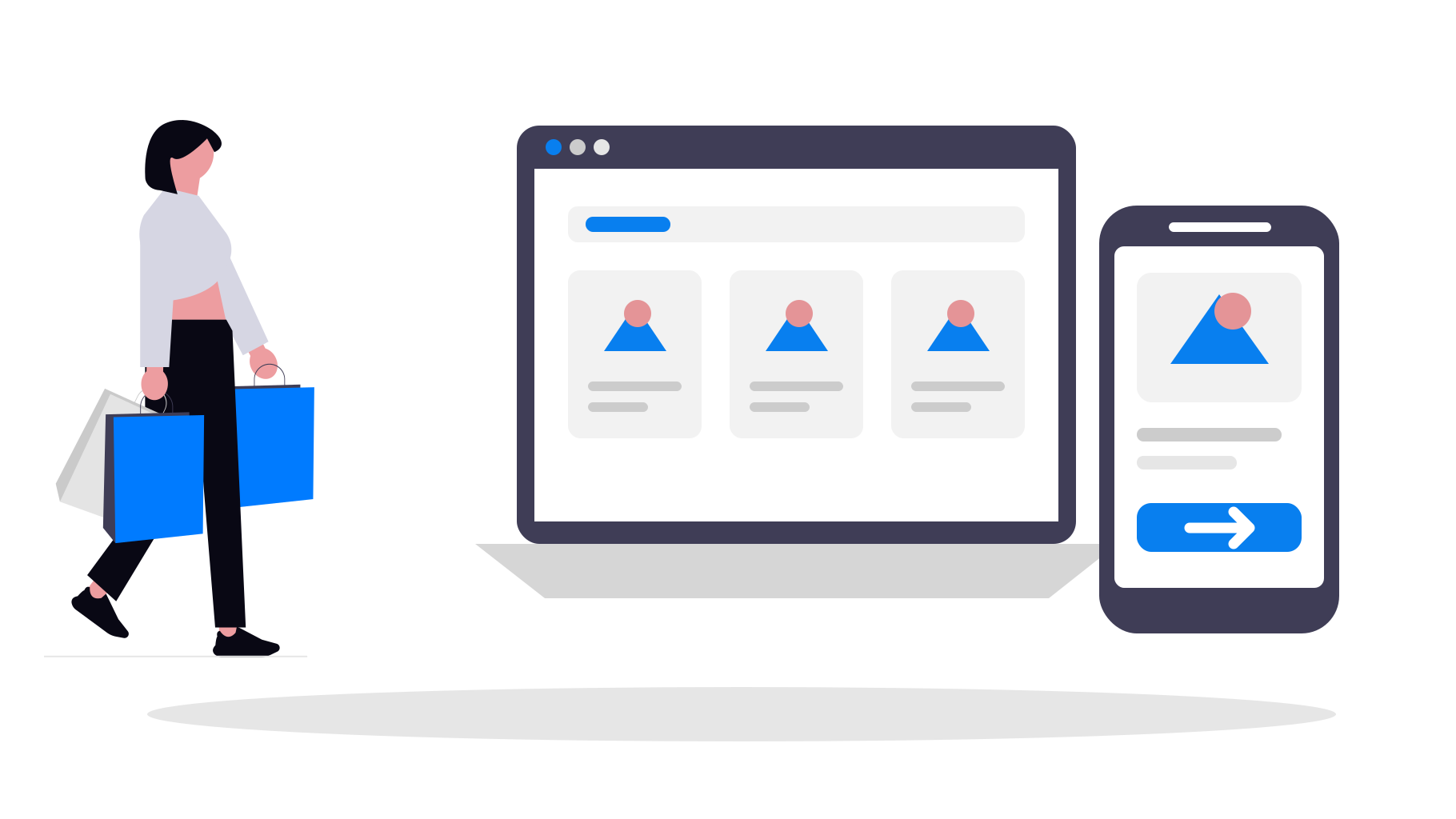
Shopify ya gestiona muy bien las partes más complejas del comercio electrónico: productos, variantes, carritos, proceso de compra, pagos, descuentos, envíos, impuestos, cuentas de clientes y gestión de pedidos. Si tu tienda ya está publicada y funciona, reconstruir todo eso como una app nativa independiente no suele ser el punto de partida adecuado.
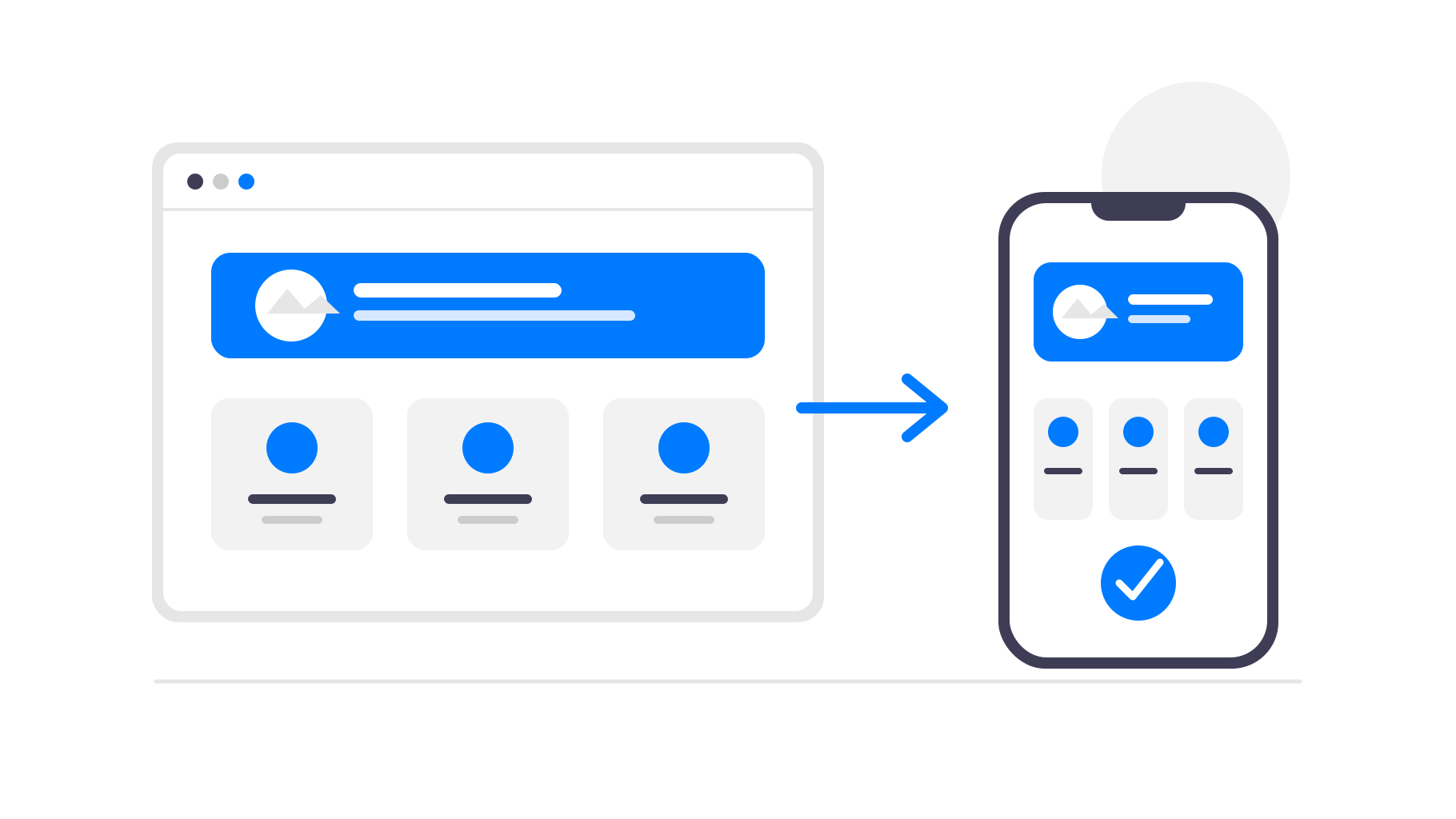
Un enfoque mejor es mantener Shopify como el sistema que impulsa tu tienda y convertir el sitio web móvil existente en una app. De este modo, tus clientes obtienen una app que pueden instalar desde la App Store y Google Play, mientras tú sigues gestionando el negocio en Shopify como antes.
Cuándo tiene sentido crear una app para tu tienda Shopify
Una app basada en tu tienda Shopify es especialmente útil cuando los clientes vuelven con frecuencia. Las tiendas de moda, las marcas de cosméticos, las tiendas de alimentación y bebidas, los productos por suscripción, las comunidades especializadas y las tiendas con lanzamientos frecuentes pueden beneficiarse de tener un acceso directo en el teléfono del cliente.
Para una tienda que solo recibe compras puntuales de vez en cuando, una app puede ser menos importante. En ese caso, quizá sea más conveniente mejorar el sitio web móvil y el proceso de compra. Pero si los clientes recurrentes son fundamentales para tu negocio, una app puede reducir las fricciones y ofrecerte otro canal para llegar a ellos.
También es útil si ya tienes una base de clientes a la que puedas informar sobre la app. Puedes promocionarla en tu tema de Shopify, lista de correo, redes sociales, folletos incluidos en los paquetes o códigos QR en una tienda física, y luego usar la app para mantener el interés de esos clientes a lo largo del tiempo.
¿Por qué convertir una tienda Shopify en una app?
Los clientes pueden abrir tu tienda más rápido
Una app está en la pantalla de inicio del cliente. No necesita recordar tu dominio, buscar una pestaña antigua del navegador ni volver a buscar tu tienda. Con un toque, regresa directamente a tus productos.
También elimina el navegador que rodea tu tienda. Sin pestañas, barras de direcciones, marcadores ni otras distracciones, la experiencia de compra resulta más centrada y se percibe más como un producto propio de tu marca.
Las notificaciones push ayudan a que los compradores vuelvan
El correo electrónico y los anuncios son útiles, pero son canales saturados. Con una app móvil, puedes enviar notificaciones push sobre nuevos productos, ofertas, artículos que vuelven a estar disponibles o procesos de compra abandonados.
Esto resulta especialmente útil para una tienda Shopify porque muchos momentos de compra dependen del tiempo. Una oferta, el lanzamiento de un producto limitado, una reposición de existencias o un descuento a punto de caducar pueden llegar directamente a los teléfonos de los clientes sin que tengas que volver a pagar por tráfico publicitario.
La presencia en las tiendas de apps genera confianza
Estar disponible en la App Store y Google Play puede hacer que tu marca parezca más consolidada. Para las tiendas con clientes fieles, suscripciones, compras recurrentes o una experiencia de compra impulsada por la comunidad, esa presencia adicional puede ser valiosa.
El icono de tu app también mantiene visible tu marca entre una compra y otra. Puede que los clientes no abran tu sitio web todos los días, pero seguirán viendo tu tienda en el teléfono cuando consulten sus apps.
No necesitas reconstruir Shopify
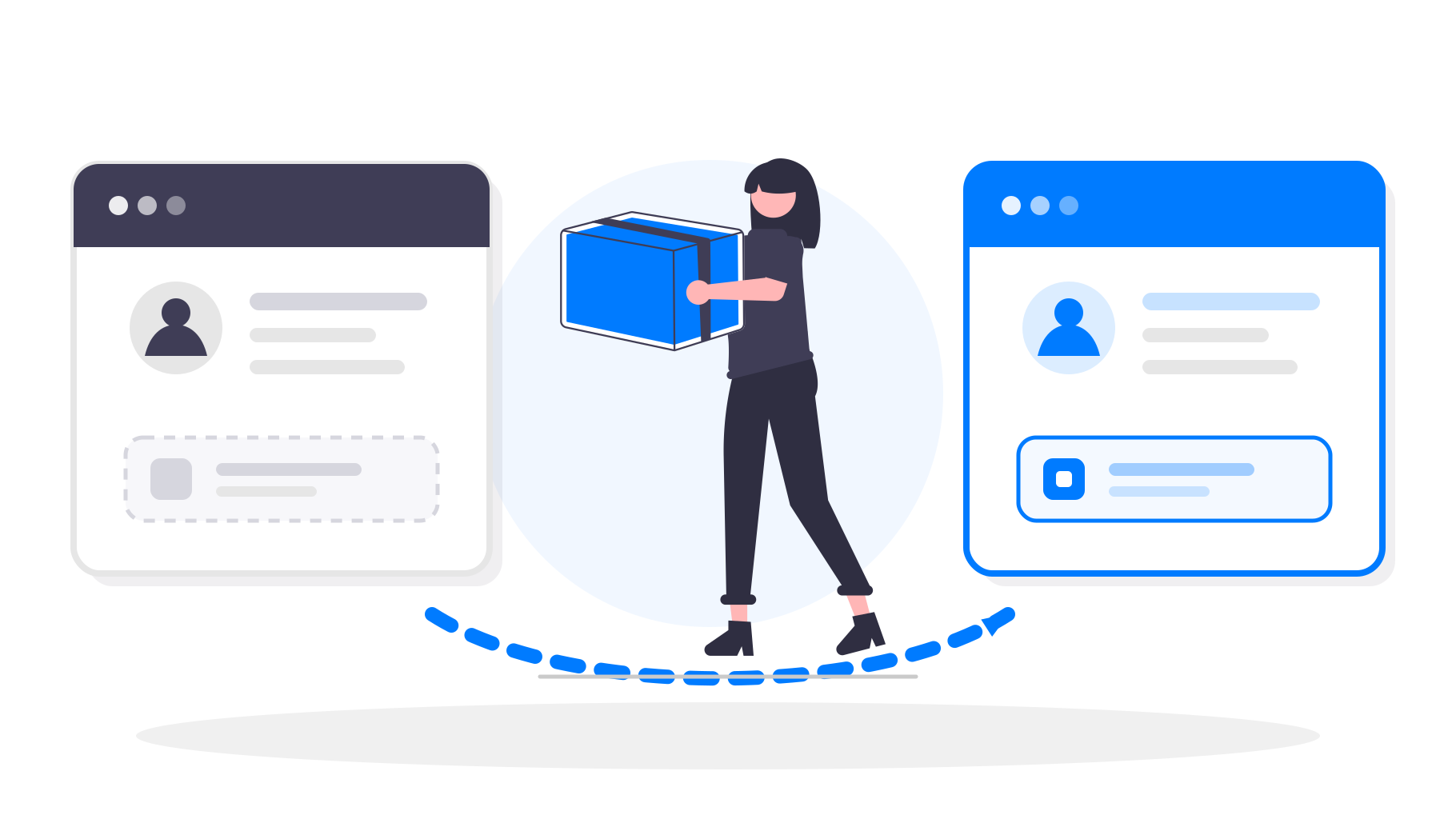
Shopify ya te ofrece una tienda adaptada a dispositivos móviles y un proceso de compra fiable. Recrear todo eso en un creador de apps independiente implica más configuración, más mantenimiento y más posibilidades de que los datos de tus productos o el diseño dejen de estar sincronizados.
Con app-control-panel.com, tu tienda Shopify sigue siendo la única fuente de información. La app carga tu tienda existente dentro de un contenedor móvil nativo y añade a su alrededor funciones específicas para apps. Los productos, precios, colecciones, temas, apps y el proceso de compra siguen funcionando a través de Shopify.
Cuando actualizas tu tema, añades un producto, cambias los precios o publicas una oferta en Shopify, esos cambios aparecen automáticamente en la app. No necesitas enviar una actualización de la app para aplicar cambios habituales en la tienda.
Este es el principal motivo por el que este enfoque se adapta tan bien al comercio electrónico. Sigues usando Shopify para las partes que ya gestiona de forma fiable, mientras que la capa de la app se centra en la distribución, la retención y la comodidad en dispositivos móviles.
¿Qué ocurre con el proceso de compra de Shopify y las normas de las tiendas de aplicaciones?
En las tiendas Shopify habituales que venden bienes físicos o servicios consumidos fuera de la app, el proceso de compra normalmente puede seguir realizándose en Shopify. No necesitas sustituirlo por las compras integradas de Apple o Google solo porque la tienda esté disponible dentro de una app.
Aun así, hay que cumplir las normas de revisión de las apps, especialmente las relacionadas con las descripciones, las capturas de pantalla, el inicio de sesión en las cuentas y los productos restringidos. Por eso es importante contar con asistencia durante la publicación: la app debe presentar la tienda con claridad y evitar afirmaciones o contenidos que puedan causar problemas de revisión evitables.
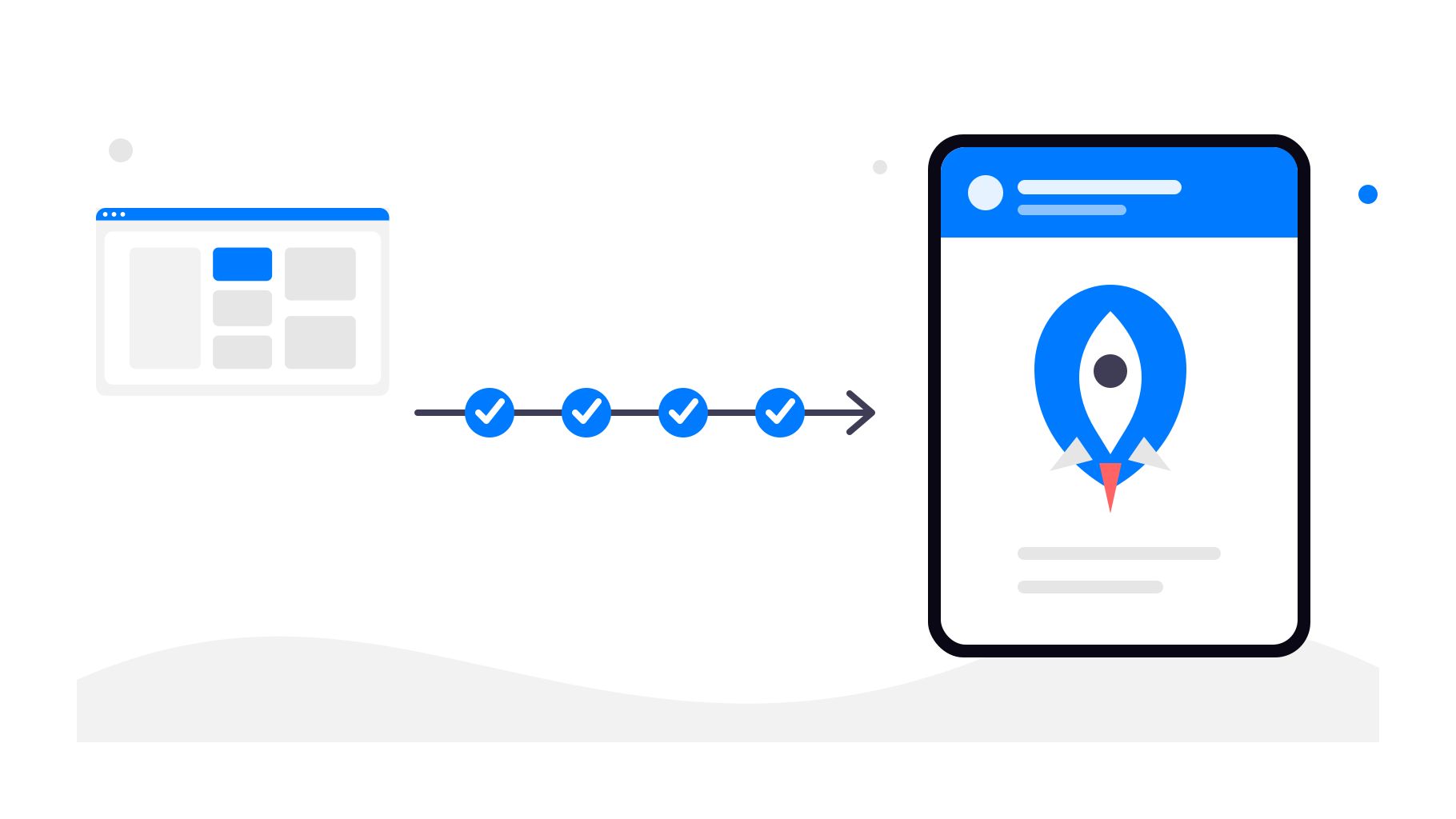
Cómo funciona la conversión de una tienda Shopify
Paso 1: usa la URL actual de tu tienda Shopify
Empieza con la URL pública de tu tienda Shopify. Puede ser tu propio dominio o uno alojado por Shopify. La app utilizará esa tienda activa como base.
Paso 2: configura la experiencia de la app
En app-control-panel.com puedes configurar los elementos que hacen que la app tenga un aspecto cuidado y coherente con tu marca:
Nombre de la app
Icono de la app
Pantalla de inicio (splash)
Navegación y menús de la app
Colores y estilo básico
Paso 3: añade funciones nativas de la app
Además de tu tienda Shopify, puedes habilitar funciones nativas como:
Enlaces de la app (abrir automáticamente tu app al pulsar un enlace a tu tienda)
Tus productos de Shopify, cuentas de clientes, carrito y proceso de compra permanecen intactos.
También puedes usar enlaces de seguimiento en las notificaciones push para saber qué campañas hacen que los compradores vuelvan a tu tienda y qué promociones generan realmente pedidos.
Paso 4: publica en las tiendas de aplicaciones
Una vez configurada y probada la app, puedes publicarla con tus cuentas de desarrollador de Google Play y Apple. app-control-panel.com te guía durante la preparación de las fichas de las tiendas, las capturas de pantalla, los requisitos de revisión de la app y los pasos técnicos de publicación.
Conclusiones
No necesitas sustituir Shopify para tener una app móvil. Puedes seguir usando Shopify para la tienda, el proceso de compra, los pedidos y las operaciones diarias, mientras app-control-panel.com se encarga de la capa de la app móvil.
Si tu tienda Shopify ya funciona bien en dispositivos móviles, convertirla en una app para Android e iOS es una forma práctica de ofrecer a tus clientes fieles un acceso más rápido, notificaciones push y presencia en las tiendas de aplicaciones sin tener que reconstruir tu sistema de comercio electrónico.