Shopify är redan mycket bra på att hantera de svåra delarna av e-handel: produkter, varianter, varukorgar, kassaflöde, betalningar, rabatter, frakt, skatter, kundkonton och orderhantering. Om din butik är aktiv och fungerar är det vanligtvis fel utgångspunkt att bygga om allt detta som en separat native-app.
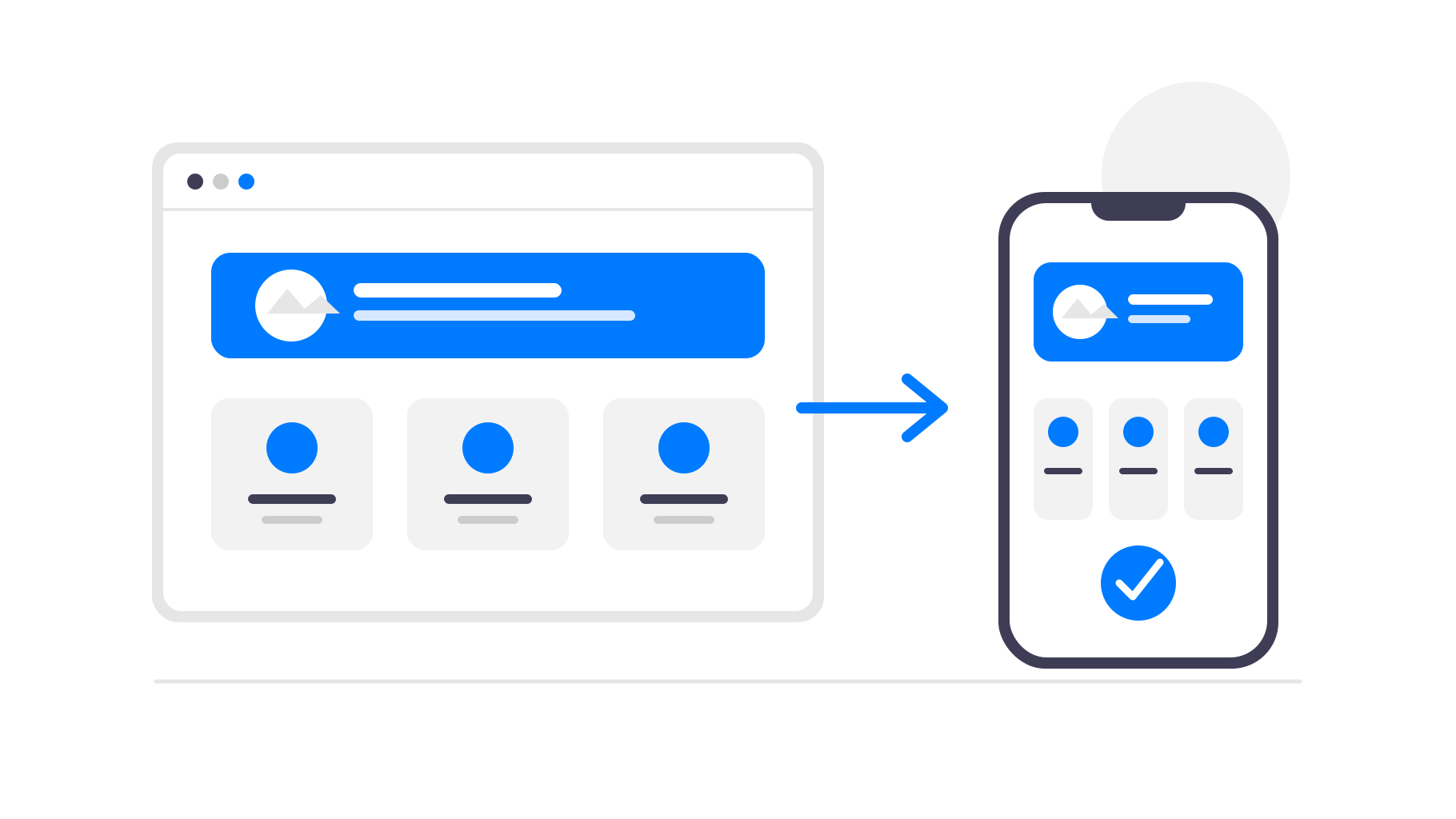
Ett bättre tillvägagångssätt är att fortsätta använda Shopify som systemet som driver din butik och göra den befintliga mobilwebbplatsen till en app. På så sätt får dina kunder en app som kan installeras från App Store och Google Play, samtidigt som du fortsätter att hantera verksamheten i Shopify precis som tidigare.
När en app för din Shopify-butik är ett bra val
En app som bygger på din Shopify-butik är mest användbar när kunderna återkommer regelbundet. Modebutiker, kosmetikvarumärken, mat- och dryckesbutiker, prenumerationsprodukter, nischade gemenskaper och butiker med täta produktlanseringar kan alla dra nytta av en direkt plats på kundens telefon.
För en butik som bara får enstaka engångsköp kan en app vara mindre viktig. I så fall kan det vara viktigare att förbättra mobilwebbplatsen och kassaflödet. Men om återkommande kunder är centrala för din verksamhet kan en app minska friktionen och ge dig ytterligare en kanal för att nå dem.
Det hjälper också om du redan har en kundbas som du kan berätta om appen för. Du kan marknadsföra den i ditt Shopify-tema, din e-postlista, dina sociala kanaler, bilagor i paket eller via QR-koder i en fysisk butik och sedan använda appen för att hålla kunderna engagerade över tid.
Varför göra en Shopify-butik till en app?
Kunderna kan öppna din butik snabbare
En app finns på kundens startskärm. Kunden behöver inte komma ihåg din domän, hitta en gammal webbläsarflik eller söka efter din butik igen. Ett tryck tar kunden direkt tillbaka till dina produkter.
Appen tar också bort webbläsaren runt din butik. Utan flikar, adressfält, bokmärken och andra distraktioner känns shoppingupplevelsen mer fokuserad och mer som en produkt som ditt varumärke äger.
Pushnotiser hjälper dig att få kunderna att återvända
E-post och annonser är användbara, men det är trånga kanaler. Med en mobilapp kan du skicka pushnotiser om nya produkter, reor, varor som åter finns i lager eller avbrutna köpresor.
För en Shopify-butik är det särskilt användbart eftersom många köptillfällen är tidskänsliga. En rea, en begränsad produktlansering, en lagerpåfyllning eller en rabatt som snart löper ut kan nå kunderna direkt på deras telefoner utan att du behöver betala igen för annonstrafik.
Närvaro i App Store bygger förtroende
Att finnas i App Store och Google Play kan få ditt varumärke att kännas mer etablerat. För butiker med lojala kunder, prenumerationer, återkommande köp eller gemenskapsdriven shopping kan denna extra närvaro vara värdefull.
Din appikon håller också ditt varumärke synligt mellan köpen. Kunderna kanske inte öppnar din webbplats varje dag, men de ser ändå din butik på telefonen när de bläddrar bland sina appar.
Du behöver inte bygga om Shopify
Shopify ger dig redan en mobilanpassad butik och ett tillförlitligt kassaflöde. Om du återskapar detta i en separat appbyggare innebär det mer konfiguration, mer underhåll och fler ställen där dina produktdata eller din design kan hamna ur synk.
Med app-control-panel.com förblir din Shopify-butik den enda informationskällan. Appen läser in din befintliga butik i ett native-mobilskal och lägger till appspecifika funktioner runt den. Produkter, priser, kollektioner, teman, appar och kassan fortsätter att fungera via Shopify.
När du uppdaterar ditt tema, lägger till en produkt, ändrar priser eller publicerar en rea i Shopify visas ändringarna automatiskt i appen. Du behöver inte skicka in en appuppdatering för vanliga butiksändringar.
Det är den främsta anledningen till att detta tillvägagångssätt passar e-handel så bra. Du fortsätter använda Shopify för de delar som det redan hanterar tillförlitligt, medan applagret fokuserar på distribution, kundlojalitet och mobil bekvämlighet.
Hur fungerar Shopify-kassan och appbutikernas regler?
För vanliga Shopify-butiker som säljer fysiska varor eller tjänster som används utanför appen kan kassan vanligtvis ligga kvar i Shopify. Du behöver inte ersätta den med köp i appen via Apple eller Google bara för att butiken finns i en app.
Det finns fortfarande regler för appgranskning som måste följas, särskilt när det gäller appbeskrivningar, skärmbilder, kontoinloggning och begränsade produkter. Det är därför publiceringssupport är viktig: appen ska presentera butiken tydligt och undvika påståenden eller innehåll som kan orsaka granskningsproblem som går att undvika.
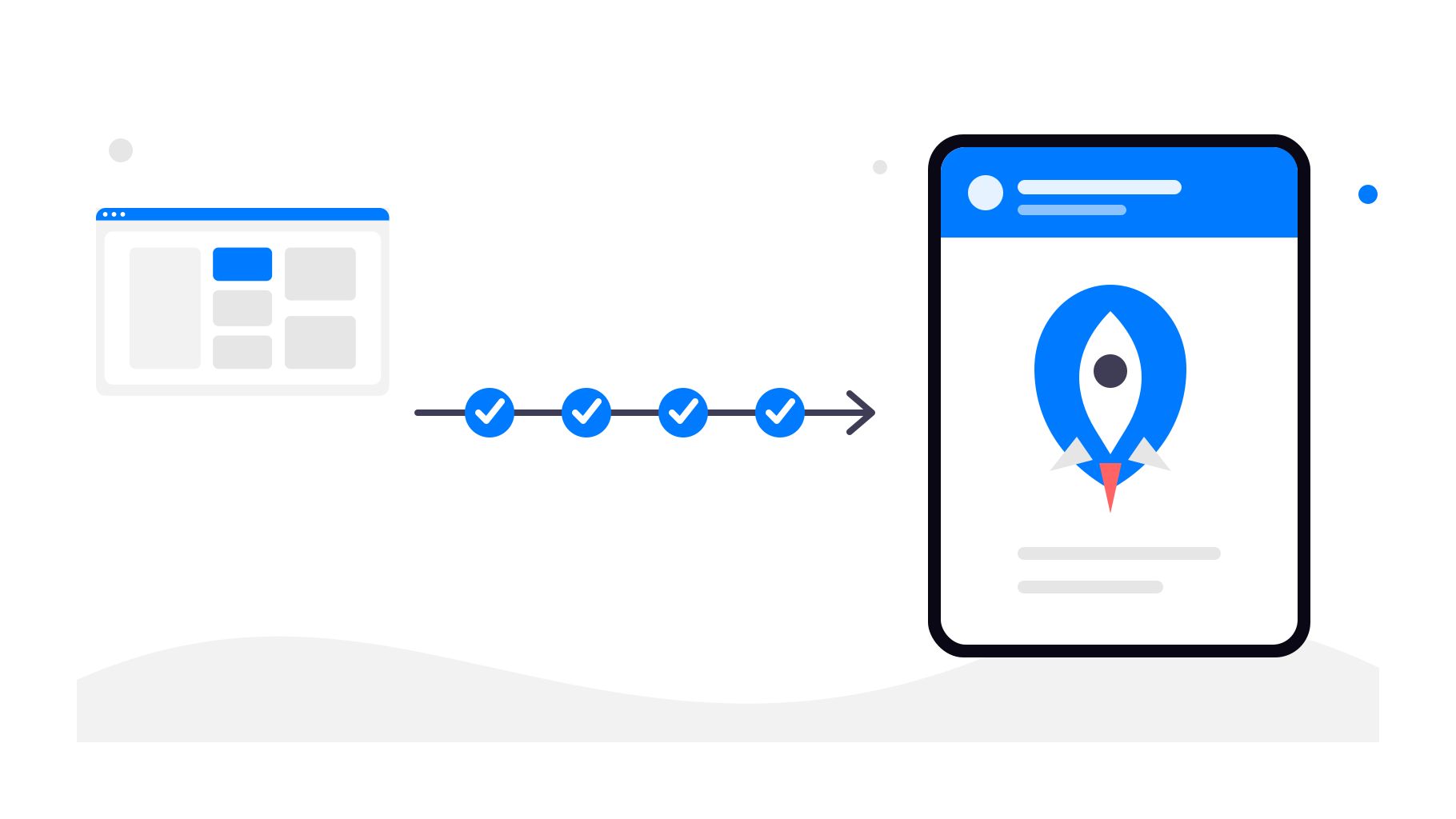
Så fungerar konverteringen av en Shopify-butik
Steg 1 – Använd din befintliga Shopify-webbadress
Du börjar med den offentliga webbadressen till din Shopify-butik. Det kan vara din egen domän eller en domän som tillhandahålls av Shopify. Appen använder den aktiva butiken som grund.
Steg 2 – Konfigurera appupplevelsen
I app-control-panel.com konfigurerar du de delar som får appen att kännas genomarbetad och enhetlig med ditt varumärke:
Namn på appen
App-ikon
Startskärm (splash screen)
Navigering och appmenyer
Färger och grundläggande styling
Steg 3 – Lägg till native-funktioner
Utöver din Shopify-butik kan du aktivera native-funktioner som:
Applänkar (öppna din app automatiskt när någon trycker på en länk till din butik)
Dina Shopify-produkter, kundkonton, varukorgen och kassan förblir oförändrade.
Du kan också använda spårningslänkar för pushnotiser, så att du kan se vilka kampanjer som får kunderna att återvända till din butik och vilka erbjudanden som faktiskt leder till beställningar.
Steg 4 – Publicera i appbutikerna
När appen har konfigurerats och testats kan du publicera den med ditt Google Play-utvecklarkonto och Apple-utvecklarkonto. app-control-panel.com guidar dig genom butikspresentationer, skärmbilder, krav för appgranskning och de tekniska publiceringsstegen.
Avslutande tankar
Du behöver inte ersätta Shopify för att få en mobilapp. Du kan fortsätta använda Shopify för butiken, kassan, beställningarna och den dagliga verksamheten, medan app-control-panel.com hanterar mobilapplagret.
Om din Shopify-butik redan fungerar bra på mobilen är det ett praktiskt sätt att ge lojala kunder snabbare åtkomst, pushnotiser och en närvaro i appbutikerna genom att konvertera den till en Android- och iOS-app, utan att bygga om ditt e-handelssystem.