Shopify już teraz bardzo dobrze radzi sobie z najtrudniejszymi elementami handlu elektronicznego: produktami, wariantami, koszykami, finalizacją zakupu, płatnościami, rabatami, wysyłką, podatkami, kontami klientów i zarządzaniem zamówieniami. Jeśli Twój sklep działa i jest dostępny dla klientów, przebudowywanie tego wszystkiego jako osobnej aplikacji natywnej zwykle nie jest dobrym punktem wyjścia.
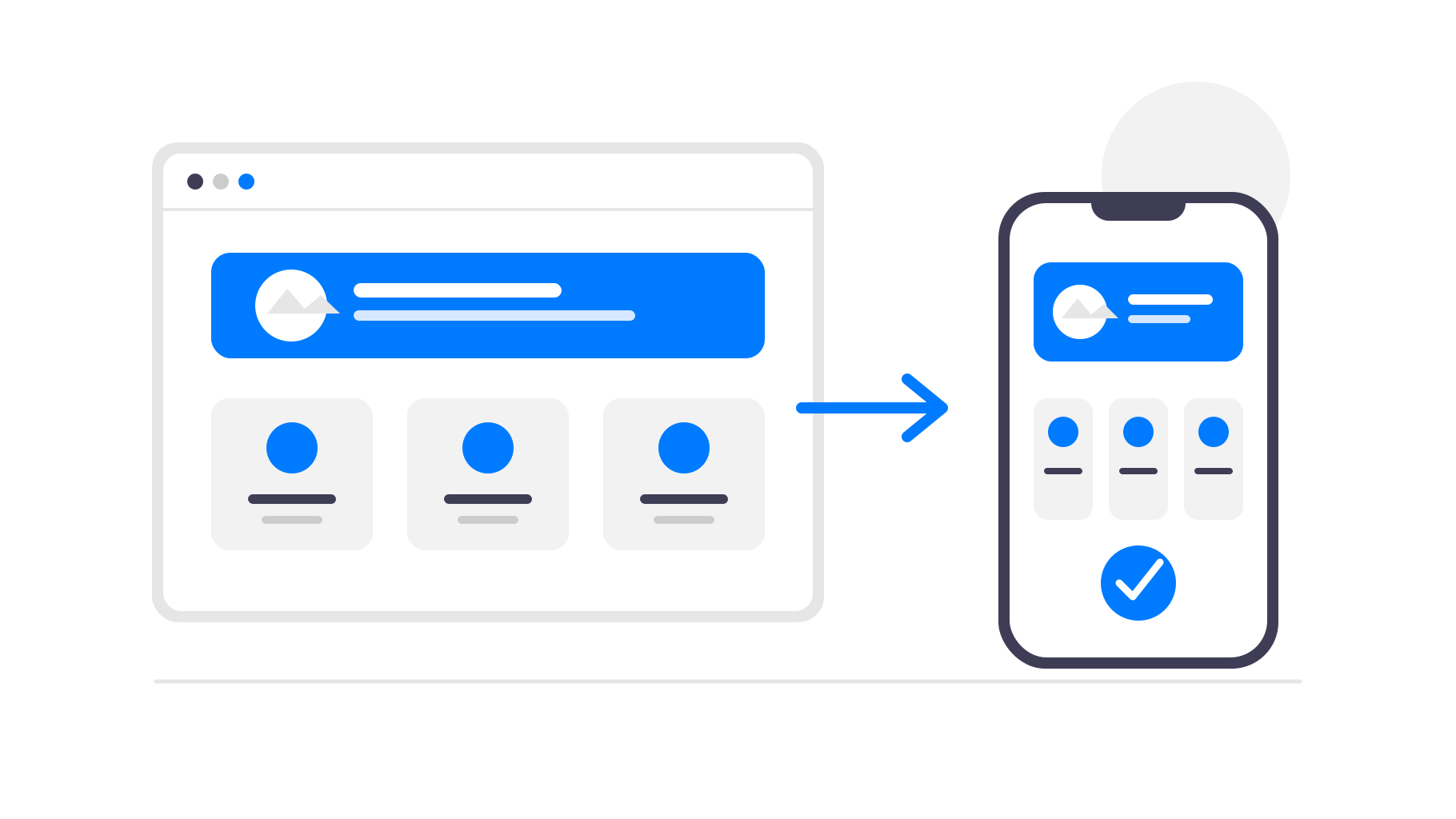
Lepszym rozwiązaniem jest pozostawienie Shopify jako systemu obsługującego sklep i przekształcenie istniejącej mobilnej strony internetowej w aplikację. Dzięki temu klienci otrzymają aplikację, którą mogą zainstalować z App Store i Google Play, a Ty nadal będziesz zarządzać firmą w Shopify tak jak wcześniej.
Kiedy aplikacja dla Twojego sklepu Shopify ma sens
Aplikacja oparta na sklepie Shopify jest najbardziej przydatna, gdy klienci regularnie wracają. Sklepy odzieżowe, marki kosmetyczne, sklepy spożywcze, produkty subskrypcyjne, niszowe społeczności i sklepy często wprowadzające nowe produkty mogą skorzystać na bezpośredniej obecności w telefonie klienta.
W przypadku sklepu, w którym klienci dokonują tylko sporadycznych, jednorazowych zakupów, aplikacja może być mniej istotna. Wtedy większe znaczenie może mieć ulepszenie mobilnej strony internetowej i procesu finalizacji zakupu. Jeśli jednak stali klienci są kluczowi dla Twojej firmy, aplikacja może ograniczyć przeszkody i zapewnić Ci dodatkowy kanał dotarcia do nich.
Pomaga również posiadanie bazy klientów, których możesz poinformować o aplikacji. Możesz promować ją w motywie Shopify, na liście mailingowej, w mediach społecznościowych, na ulotkach dołączanych do przesyłek lub za pomocą kodów QR w sklepie stacjonarnym, a następnie wykorzystywać aplikację do utrzymywania ich zaangażowania.
Dlaczego warto przekształcić sklep Shopify w aplikację?
Klienci mogą szybciej otwierać Twój sklep
Aplikacja znajduje się na ekranie głównym telefonu klienta. Nie musi on pamiętać Twojej domeny, szukać starej karty w przeglądarce ani ponownie wyszukiwać sklepu. Jedno dotknięcie przenosi go prosto do Twoich produktów.
Aplikacja usuwa również interfejs przeglądarki otaczający Twój sklep. Bez kart, pasków adresu, zakładek i innych elementów rozpraszających uwagę zakupy są bardziej komfortowe, a sklep bardziej przypomina produkt należący do Twojej marki.
Powiadomienia push pomagają zachęcić klientów do powrotu
E-maile i reklamy są przydatne, ale to zatłoczone kanały. Dzięki aplikacji mobilnej możesz wysyłać powiadomienia push o nowych produktach, wyprzedażach, ponownej dostępności produktów lub porzuconych zakupach.
Jest to szczególnie przydatne w sklepie Shopify, ponieważ wiele okazji zakupowych jest ograniczonych czasowo. Informacje o wyprzedaży, premierze produktu w limitowanej liczbie, uzupełnieniu zapasów lub wygasającym rabacie mogą trafić bezpośrednio na telefony klientów bez ponownego płacenia za ruch z reklam.
Obecność w App Store buduje zaufanie
Obecność w App Store i Google Play może sprawić, że Twoja marka będzie wyglądać na bardziej ugruntowaną. Dla sklepów mających lojalnych klientów, subskrypcje, powtarzające się zakupy lub społeczność skupioną wokół zakupów taka dodatkowa obecność może być cenna.
Ikona aplikacji sprawia również, że Twoja marka pozostaje widoczna między zakupami. Klienci mogą nie otwierać codziennie Twojej strony, ale nadal widzą Twój sklep na telefonie podczas przeglądania aplikacji.
Nie musisz przebudowywać Shopify
Shopify zapewnia już sklep dostosowany do urządzeń mobilnych i niezawodny proces finalizacji zakupu. Odtworzenie ich w osobnym kreatorze aplikacji oznacza więcej konfiguracji, więcej pracy związanej z utrzymaniem i więcej miejsc, w których dane produktów lub wygląd mogą utracić synchronizację.
Dzięki app-control-panel.com Twój sklep Shopify pozostaje jedynym źródłem aktualnych informacji. Aplikacja wczytuje istniejący sklep w natywnym środowisku mobilnym i dodaje do niego funkcje przeznaczone dla aplikacji. Produkty, ceny, kolekcje, motywy, aplikacje i finalizacja zakupu nadal działają za pośrednictwem Shopify.
Gdy zaktualizujesz motyw, dodasz produkt, zmienisz ceny lub opublikujesz wyprzedaż w Shopify, zmiany automatycznie pojawią się w aplikacji. W przypadku zwykłych zmian w sklepie nie musisz przesyłać aktualizacji aplikacji.
To główny powód, dla którego to podejście tak dobrze sprawdza się w handlu elektronicznym. Nadal korzystasz z Shopify w obszarach, które platforma już niezawodnie obsługuje, a warstwa aplikacji odpowiada za dystrybucję, utrzymanie klientów i wygodę korzystania na urządzeniach mobilnych.
Co z finalizacją zakupu w Shopify i zasadami sklepów z aplikacjami?
W przypadku zwykłych sklepów Shopify sprzedających towary fizyczne lub usługi wykorzystywane poza aplikacją finalizacja zakupu zazwyczaj może nadal odbywać się w Shopify. Nie musisz zastępować jej zakupami w aplikacji Apple lub Google tylko dlatego, że sklep jest dostępny w aplikacji.
Nadal obowiązują zasady weryfikacji aplikacji, szczególnie w zakresie opisów, zrzutów ekranu, logowania na konto i produktów objętych ograniczeniami. Dlatego wsparcie przy publikacji jest tak ważne: aplikacja powinna jasno przedstawiać sklep i unikać stwierdzeń lub treści, które mogą powodować możliwe do uniknięcia problemy podczas weryfikacji.
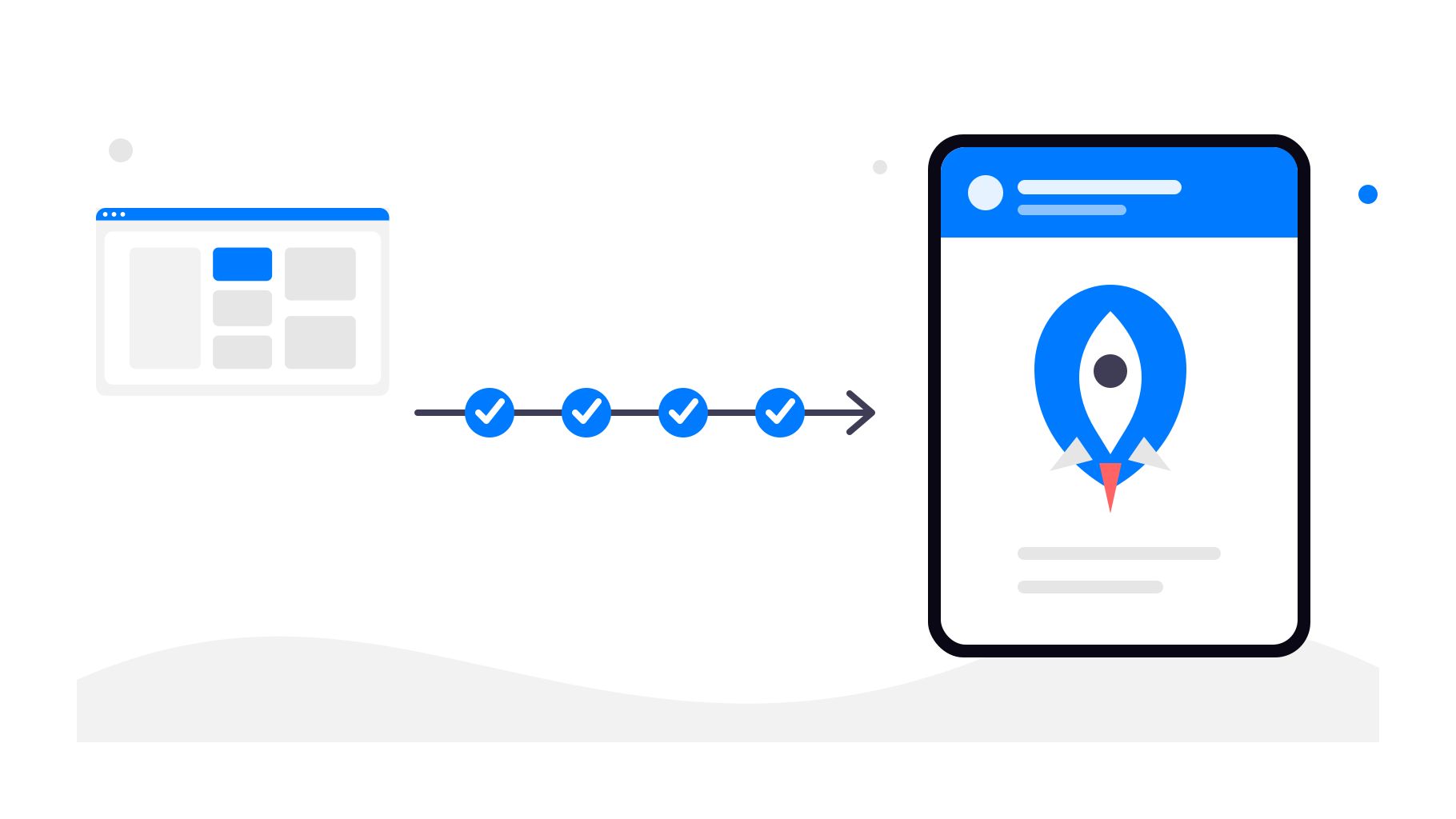
Jak działa przekształcanie sklepu Shopify w aplikację
Krok 1 — użyj istniejącego adresu URL sklepu Shopify
Zacznij od publicznego adresu URL swojego sklepu Shopify. Może to być Twoja własna domena lub domena udostępniona przez Shopify. Aplikacja wykorzysta ten działający sklep jako swoją podstawę.
Krok 2 — skonfiguruj aplikację
W app-control-panel.com konfigurujesz elementy, dzięki którym aplikacja wygląda profesjonalnie i zachowuje spójność z marką:
Nazwa aplikacji
Ikona aplikacji
Ekran startowy (splash screen)
Nawigacja i menu aplikacji
Kolory i podstawowy styl
Krok 3 — dodaj natywne funkcje aplikacji
Do swojego sklepu Shopify możesz dodać natywne funkcje, takie jak:
Linki do aplikacji (app links) (automatyczne otwieranie aplikacji po kliknięciu linku do Twojego sklepu)
Produkty Shopify, konta klientów, koszyk i finalizacja zakupu pozostają bez zmian.
Możesz również używać linków śledzących w powiadomieniach push, aby sprawdzać, które kampanie przyciągają klientów z powrotem do sklepu i które promocje rzeczywiście prowadzą do zamówień.
Krok 4 — opublikuj aplikację w sklepach
Po skonfigurowaniu i przetestowaniu aplikacji możesz opublikować ją za pomocą konta dewelopera Google Play i konta Apple Developer. app-control-panel.com przeprowadzi Cię przez przygotowanie stron aplikacji w sklepach, zrzutów ekranu, wymagań dotyczących weryfikacji oraz technicznych etapów publikacji.
Podsumowanie
Nie musisz zastępować Shopify, aby mieć aplikację mobilną. Możesz nadal korzystać z Shopify do obsługi sklepu, finalizacji zakupów, zamówień i codziennej działalności, a app-control-panel.com zajmie się warstwą aplikacji mobilnej.
Jeśli Twój sklep Shopify już dobrze działa na urządzeniach mobilnych, przekształcenie go w aplikację na Androida i iOS jest praktycznym sposobem na zapewnienie lojalnym klientom szybszego dostępu, powiadomień push i obecności w sklepach z aplikacjami bez przebudowy całego systemu handlu elektronicznego.